

Network security and refreshes
Network Security Upgrades and IT Refreshes
Your risk assessment shows what to fix. We do the work, phase by phase, following your roadmap and timeline, and replace the equipment that is holding your security back.
- In business since 2008
- CompTIA certified
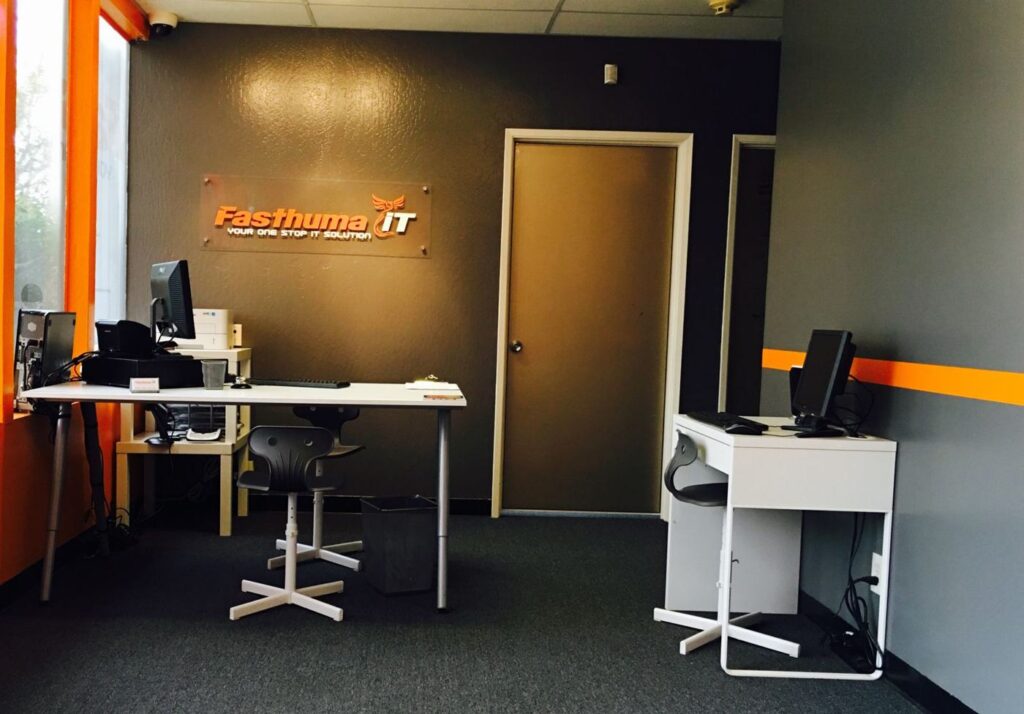
- Office in Fremont, CA
Quick answer
After a cybersecurity risk assessment, Fasthuma IT Solutions & MSP carries out the fixes on your roadmap: firewalls and VPN, Wi-Fi and network segmentation, server and workstation refreshes, backup and recovery, Microsoft 365 security, endpoint security, YubiKey sign-in and security awareness training. Work is quoted per project and done in phases to keep disruption low.
What we fix and upgrade
Network security work from your roadmap
Firewall and VPN
Fortinet firewall setup and configuration, closing unused or exposed ports (such as remote desktop open to the internet), and a VPN so remote employees connect securely.

Network and Wi-Fi
Ubiquiti switching and Wi-Fi, with VLAN segmentation so guest and personal devices stay off the business network, and secure links between locations.

Server and workstation refresh
Replacing aging servers and workstations with Dell, Lenovo and Supermicro hardware, consolidating servers with virtualization, and validating every service before old hardware is retired.

Backup and recovery
Image-based backups, tested restores and documented recovery time (RTO) and recovery point (RPO) objectives, so you can recover from hardware failure or ransomware.

Microsoft 365 security
Two-factor authentication for every user, SPF, DKIM and DMARC records to fight email spoofing, and encryption for OneDrive data.

Endpoint security
Managed antivirus on every workstation, laptop and server, a regular schedule for operating system updates, and BitLocker drive encryption.

Hardware security keys
YubiKey hardware keys as a second factor, for a stronger sign-in than codes alone.

Security awareness training
Training for your staff on recognizing phishing and other common attacks, so people become part of your defense.
How projects run
Phased, so your business keeps working
Upgrades follow the roadmap from your assessment. Each phase has a clear scope, timeline and outcome.
- Highest risk first. The most serious problems are fixed early in the timeline.
- Backups before big changes. We make sure you can recover before touching the network.
- Validate, then move on. Each phase is tested before the next one starts.
- Old hardware stays until the new is proven. Services are checked on the new equipment before anything is decommissioned.
- Documented. You get documentation of the final network for future reference.
Channel partners
We work with the brands we recommend
Fasthuma IT Solutions & MSP is a channel partner with Dell, Lenovo, Ubiquiti, Microsoft, Supermicro, Fortinet and RingCentral.
Dell
Lenovo
Ubiquiti
Microsoft
Supermicro
Fortinet
RingCentral
What it costs
Network security upgrades and refreshes are quoted per project, from the roadmap and timeline in your risk assessment. Hardware and licensing are quoted with the project. See assessment rates.
FAQ
Network security questions
What is an IT refresh?
An IT refresh replaces aging equipment, such as firewalls, switches, servers and workstations, with current hardware that gets security updates. We plan refreshes from the findings in your risk assessment.
Which brands do you work with?
We are a channel partner with Dell, Lenovo, Ubiquiti, Microsoft, Supermicro, Fortinet and RingCentral.
How do you keep downtime low during upgrades?
The work is done in phases. We put backups in place first, validate each phase before moving on, and keep old hardware running until services are confirmed on the new equipment.
How is network security work priced?
Per project. We quote it from the roadmap and timeline in your risk assessment, including any hardware and licensing.
What happens after the upgrades?
We can keep watch through our managed services: 24/7 remote monitoring, patch management, managed antivirus and, on the Blaze plan, Wazuh SIEM monitoring. See managed security.
Not sure where to start?
Start with an on-site risk assessment. The roadmap shows exactly which upgrades matter most for your network.